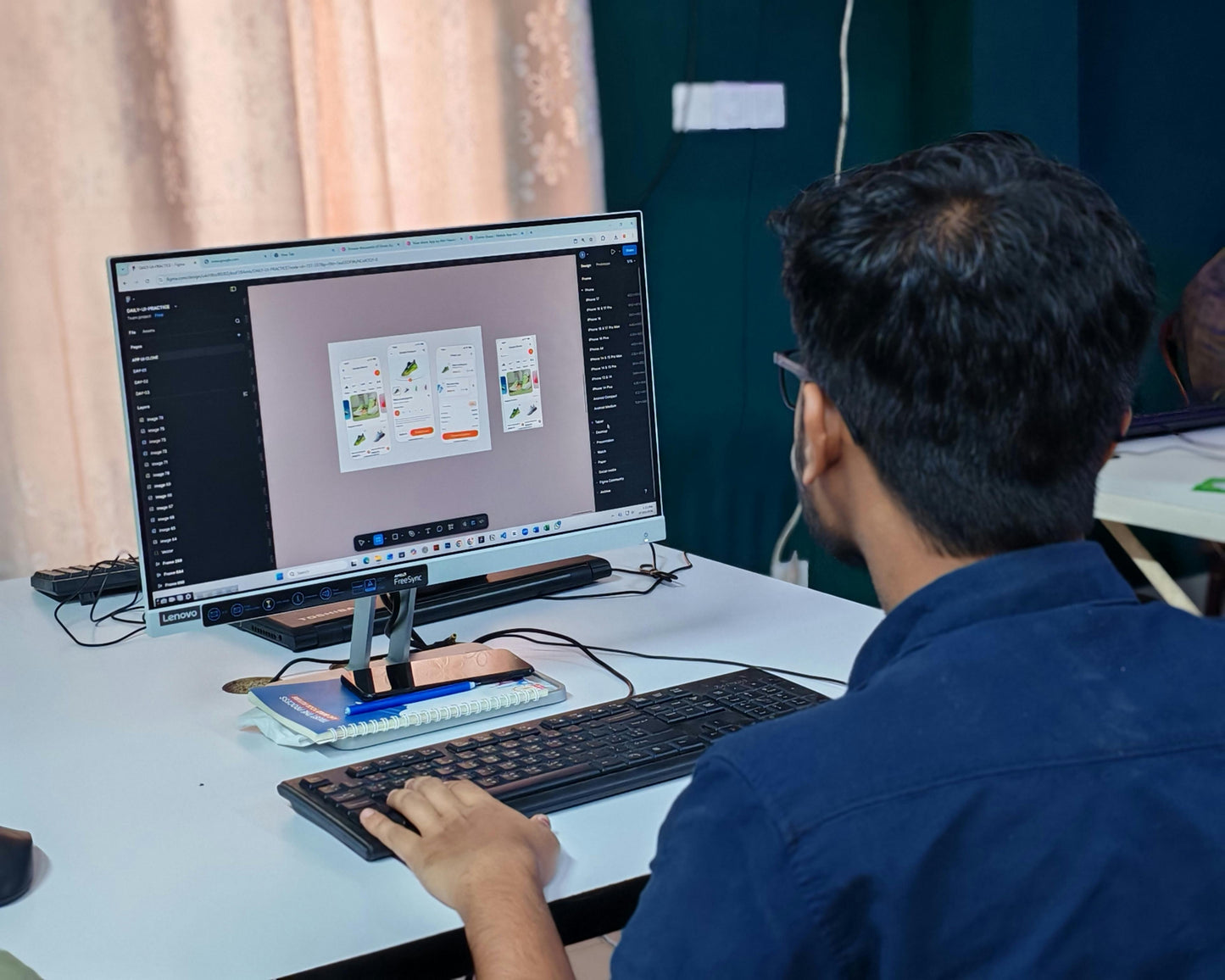
Learn Figma From Scratch
Learn Figma From Scratch
Couldn't load pickup availability
Learn Figma From Scratch
No design experience? No problem.
This course takes you from opening Figma for the first time to building real, interactive UI designs — step by step, with no assumed knowledge and no fluff.
You'll learn how Figma actually works: frames, auto layout, components, variables, and prototyping. Not just the theory — you'll build things along the way, from buttons and navigation bars to forms and a full-page design based on a real-world brief.
What you'll learn:
- Setting up Figma and finding your way around the interface
- Working with frames, layers, and the design panel
- Building layouts with auto layout and nesting
- Creating reusable components and updating them across your designs
- Adding interactions, hover effects, and stitching screens together into a working prototype
- Using variables to manage colors, labels, and icons at scale
- Finishing with a real design project based on the Barclays homepage
Who this is for:
Anyone starting from zero. You don't need to know what a component is, what auto layout does, or how UI design works. By the end, you will.
What you get:
36 video lessons across 9 modules, with hands-on activities after each section so you're practicing as you go, not just watching.
Share